The Idea Factory: Engineering a Daily Habit for the Human Superpower
I built a system with two AIs to turn raw ideas into shipped projects using 90 minutes a day. One coached the vision. The other stress-tested it until it broke.
Most people don’t have a creativity problem. They have a continuity problem.
In a world where AI can summarize, code, and refactor in seconds, the “raw material” of information is no longer the bottleneck. The real differentiator is the human spark, the ability to look at a problem and say, “What if we built this?” But ideas are fragile. They die in the space between “that’s a cool thought” and “I’m actually building it.” I wanted to stop daydreaming and start shipping, so I devoted 90 minutes a day to growing my “creativity muscle.”
I didn’t do it alone. I built a system with a team of AIs to ensure that every spark has a place to land.
The 90-Minute “Gym” for Ideas
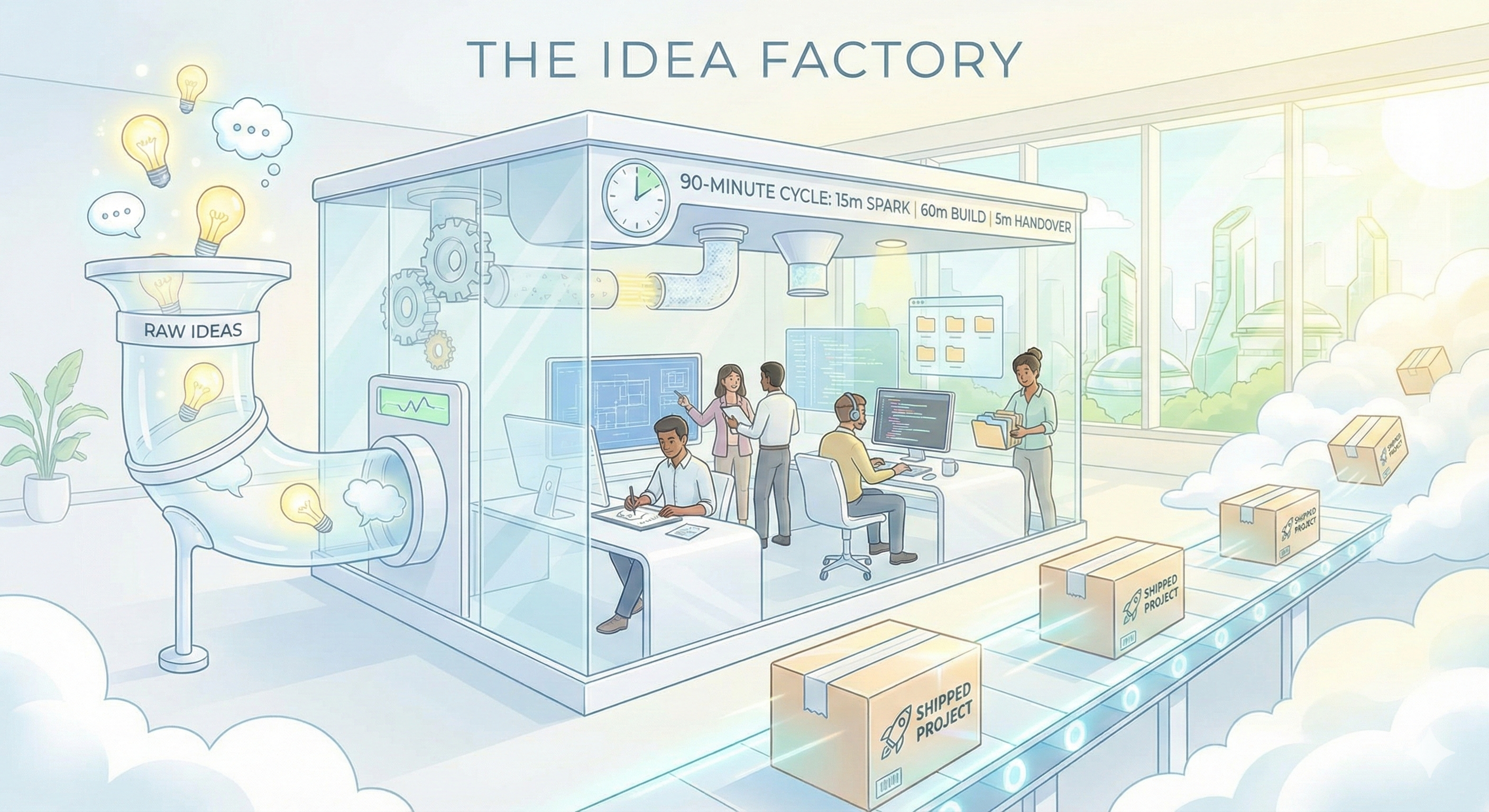
The core of this project isn’t software. It’s a time-block. Every day, 90 minutes, divided into three strict phases:
- 15 Minutes: The Spark. Pure human creativity. No building, just idea generation.
- 60 Minutes: The Heavy Lift. Deep work. Using AI tools to turn the vision into functional code or content.
- 5 Minutes: The Handover. Leaving a breadcrumb trail so I can start instantly tomorrow without “re-loading” the project in my head. This was originally 15 minutes. The stress test killed that. More on this below.
The AI Design Team
To build the “factory” for these 90 minutes, I ran a relay race between two different AIs:
- The Coach (Gemini): I used Gemini to think out loud. It didn’t give me answers; it asked the hard architectural questions I was avoiding. It helped me define the vision and the “Why.”
- The Architect (Claude): Once the vision was set, Claude did the heavy lifting of building the actual system. It wrote the automation scripts and structured the files.
- The Driver (Me): I acted as the final integrator, configuring the files, connecting the pipes in my note-taking app (Obsidian), and making the system live.
Stress-Testing the Habit
I asked the AIs to find the “failure points” in my human discipline. They found three that would have killed the project by week two.
The “Admin Tax” is a Silent Killer
I originally planned a 15-minute documentation session at the end of the day. The AI auditor called my bluff: “After a 60-minute build, your brain is fried. You’ll skip the notes, lose the context, and the system will collapse.”
The fix was a 5-minute micro-prompt. Three questions: What did I touch? What’s broken? Where do I start tomorrow? The remaining 10 minutes became buffer time for the Heavy Lift, which I will absolutely need.
Match the Task to Your Energy
Some days you have “Architecture Energy,” and some days you only have “Cleanup Energy.” We added an Energy Level tag to the daily dashboard. On low-energy days, you don’t quit. You pick a low-energy task. A small refactor still counts as a “Non-Zero Day.”
The “TBD” Guardrail
Creativity needs room to play, but it also needs a North Star. The system allows you to start a project without a defined purpose (Intent: TBD). But if you hit Session 3 and still haven’t articulated the value, the system flags it. It forces you to turn “tinkering” into “building.”
The Infrastructure of Creativity
The final product is a “Command Center” built in Obsidian. It runs on two community plugins, Templater for automation and Dataview for dashboarding, and uses seven files organized into three layers.
The Incubator
A single Master List file at the vault root. One idea per line. No formatting, no metadata, no friction. Ideas stay here until they earn a promotion. When something feels ready, I open the command palette and run the “Promote Idea” script. It asks for a project name, an intent (the “Why”), and a tech stack. Then it generates a fully structured project file in the Projects folder and opens it automatically.
The monthly maintenance rule: any idea older than 30 days that I haven’t promoted gets moved to an Archive file. Out of sight, not deleted. If it’s good, it’ll come back to me. The Master List should never hold more than 15 items.
The Factory Floor
Each project lives in a single file with structured YAML frontmatter: intent, stage, status, session count, energy level, and last session date. Below the frontmatter sits the AI Context Block, a section specifically designed to be copied and pasted directly into an AI coding tool at the start of each session.
The AI Context Block separates “What’s Working” from “What’s Broken.” This is the single highest-leverage design decision in the system. It prevents the AI from refactoring stable code when I only asked it to fix a bug. The block includes what the project does in plain language, the current architecture (kept under 10 items), what’s stable, what’s broken with specific file names and error messages, and today’s goal in one sentence.
Version history lives in the same file as a collapsible Version Log. The original plan was Atomic Versioning with separate files for V1, V2, and V3. Claude killed that idea during the stress test: by month three, the vault would be full of orphan files I’d never archive and never delete. Single file, full history, zero orphans.
The Cockpit
Daily Notes act as the rolling command center. When I open a new Daily Note, three things happen automatically. First, the Handover Note from my last session gets injected at the top of the page. Second, a Dataview query displays all active projects with their intent, next action, and session count. Third, any project that has hit Session 3 without a defined intent gets flagged with a warning.
The Handover Note itself is intentionally decoupled from any specific project. It writes to a bridge file called Next_Handover.md, and the Daily Note template pulls it in regardless of whether my last session was Monday or Saturday. Tomorrow I might wake up wanting to work on something completely different, and the system respects that pivot. The handover is tagged with the project name for context, but the dashboard also shows all active projects so I can choose based on energy and interest.
At the end of each session, the “End Session” script triggers a 5-minute micro-prompt: which project, what I last touched, whether it’s broken or working, and where to start tomorrow. It writes the handover to the bridge file and auto-increments the session counter on the project.
Why This Matters
Building a process is a project in itself. By spending 90 minutes a day on this, I’m not just building apps or writing posts. I’m building the infrastructure for my own imagination.
In the age of AI, your ability to structure your creativity is your most valuable asset. The vault is live, the muscle is growing, and the first project shipped is this post.
The System at a Glance
Obsidian + Templater + Dataview
Local-first vault. Templater runs the automation scripts. Dataview powers the daily dashboard and TBD warnings.
Master List.md
Single file for raw sparks. Monthly cull moves stale ideas to Archive. Stays under 15 items.
Single project file per build
YAML frontmatter, collapsible Version Log, and a copy-pasteable AI Context Block that separates working from broken state.
Daily Notes + Next_Handover.md
Rolling dashboard injecting yesterday's handover, displaying all active projects, and flagging undefined intents.
Claude Code, Gemini, VS Code
Heavy lifting happens externally. Obsidian holds the "intellectual DNA," not the code itself.
Session Count + Energy Level
Per-project counter plus daily energy tag. Reveals momentum patterns and matches tasks to brainpower.