The Prompt That Made My AI Assistants Roast Me
I asked two AI assistants to critique me as a collaborator after a frustrating two-hour debugging session. The results were uncomfortably accurate.
I spent two hours yesterday arguing with a computer over a single button.
I don’t have a software engineering background. I’m currently “VibeCoding,” a process where you work with AI assistants to write and deploy code rather than writing every line yourself. I’m figuring it out as I go and learning in public.
Recently, I had one of those sessions where nothing seemed to work. My site wasn’t updating. I was going back and forth with two different tools: Claude (the chat-based assistant) and Claude Code (the version that can run commands directly). We got there eventually, but it was messy.
After we finally fixed it, I didn’t just close the tab. I decided to ask the AI to critique me.
I asked both AIs to review the entire conversation, not to find bugs in the code, but to tell me where I went wrong as a collaborator.
The Post-Mortem Prompt
I used this exact prompt to force the AI to be honest:
Review our entire interaction for the Blog project. Ignore technical code bugs: focus only on how I collaborated with you.
Answer these two questions, each with ONE answer only:
- The Brief: What is the single most important thing I failed to communicate at the start that would have eliminated the most back-and-forth?
- The Steering: Once things went off track, what is the one thing I kept doing that made it harder for you to converge on the right result?
For each answer: Be honest and specific. Quote my actual words where possible. Then give me a concrete, reusable action I can apply to my next project.
The results were uncomfortably accurate. Both AIs landed on the same diagnosis.
The Roast: What I Got Wrong
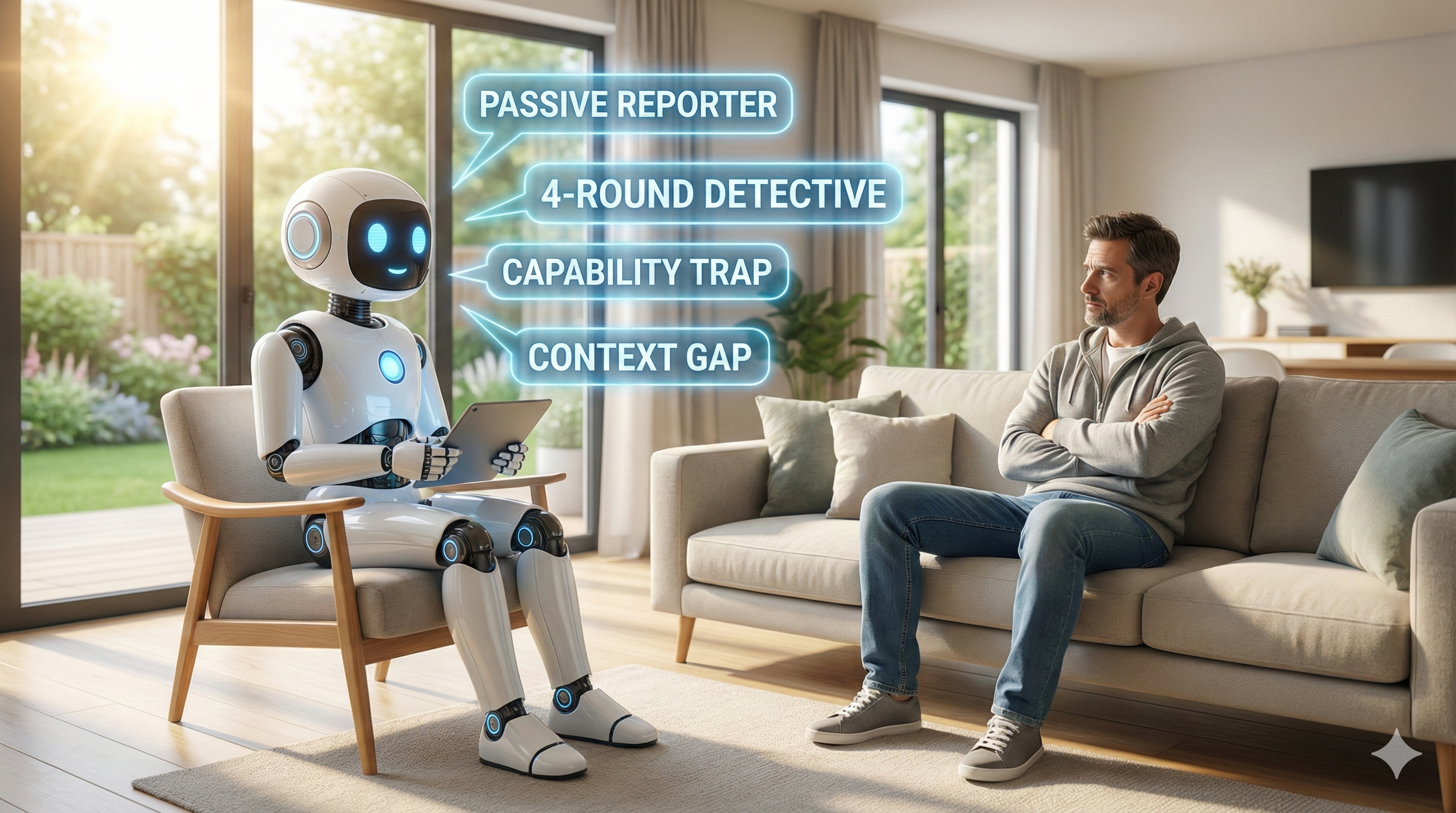
1. The Context Gap
Claude told me I never explained my setup. I opened the conversation with a symptom (“it isn’t working”) and made the AI play detective for four rounds. Each answer I gave revealed a piece of a puzzle I could have laid out from the start.
Because I didn’t explain the “plumbing” (GitHub Actions, specific branches, hosting), Claude had to drag the context out of me one screenshot at a time.
2. “Passive Reporting”
This was the most significant call-out. Claude labeled me a “passive reporter rather than an active navigator.” Every response I gave was a screenshot with almost no commentary. I never once said “I think the problem is X.” I made the AI start from zero every round instead of giving it my own thoughts to work with. The AI pointed out that I clearly did understand what was happening: I just wasn’t “thinking out loud.”
3. The Capability Trap
Claude Code flagged that I delegated tasks without checking if it actually had the power to do them. I gave instructions like “just push the changes,” assuming it had full access, when its environment had specific limitations. This forced a failed attempt before we could even find the real path forward.
The “VibeCoding” Cheat Sheet
Based on the AI’s feedback, I will use these three templates for every project. I’m hoping they fundamentally change how fast I get results.
The Setup Snapshot
Before asking for help with a bug, describe the situation upfront:
- Goal: [What the finished thing does]
- Stack: [The tools/platforms you are using]
- Current state: [What exists vs. what is broken]
- What I’ve tried: [List your previous attempts]
The 2-Sentence Rule
When sharing a screenshot or error, always add two sentences:
- What I see: [Describe it in your own words]
- What I think: [Your best guess at the cause, even if you’re unsure]
The Capability Check
Before asking an AI to execute a task, ask this first:
“Can you actually do this in your current setup, or do I need to handle that part manually?”
Why This Matters (Even if You Don’t Code)
You don’t need to be building a website to use this. The pattern applies to any AI collaboration: writing a report, planning an event, or analyzing data.
Three things stuck with me from this experiment:
- The prompt is reusable. Run it at the end of any session that feels rough. It’s like a free retrospective with a teammate who has perfect recall and zero ego.
- Communication is the only skill that matters. I don’t know how to code, but I can describe a goal and share my thoughts. In the age of AI, those are the high-leverage skills.
- AI can’t read your mind. Every extra “round trip” costs you time and momentum. The more context you front-load, the faster you finish.
I’m still learning. But at least now I’m learning how to learn with these tools, rather than just guessing which buttons to push.
This post was written as part of my experiment in building things at travis-campbell.com. If you’re working with AI, try the post-mortem prompt after your next session and see what it says about you.